
Halaqahs & Class Management
Create group circles and private one-on-one sessions, assign teachers, and manage student rosters and weekly schedules.
The central operational hub of your academy. Organize virtual circles, balance student capacities, assign competent teachers, and launch live video sessions.
Detailed Implementation Steps
Create New Halaqah
Specify circle name (e.g., 'Imam Asim Circle - Level 2'), circle type (Group or 1-on-1 Private), and student capacity limit.
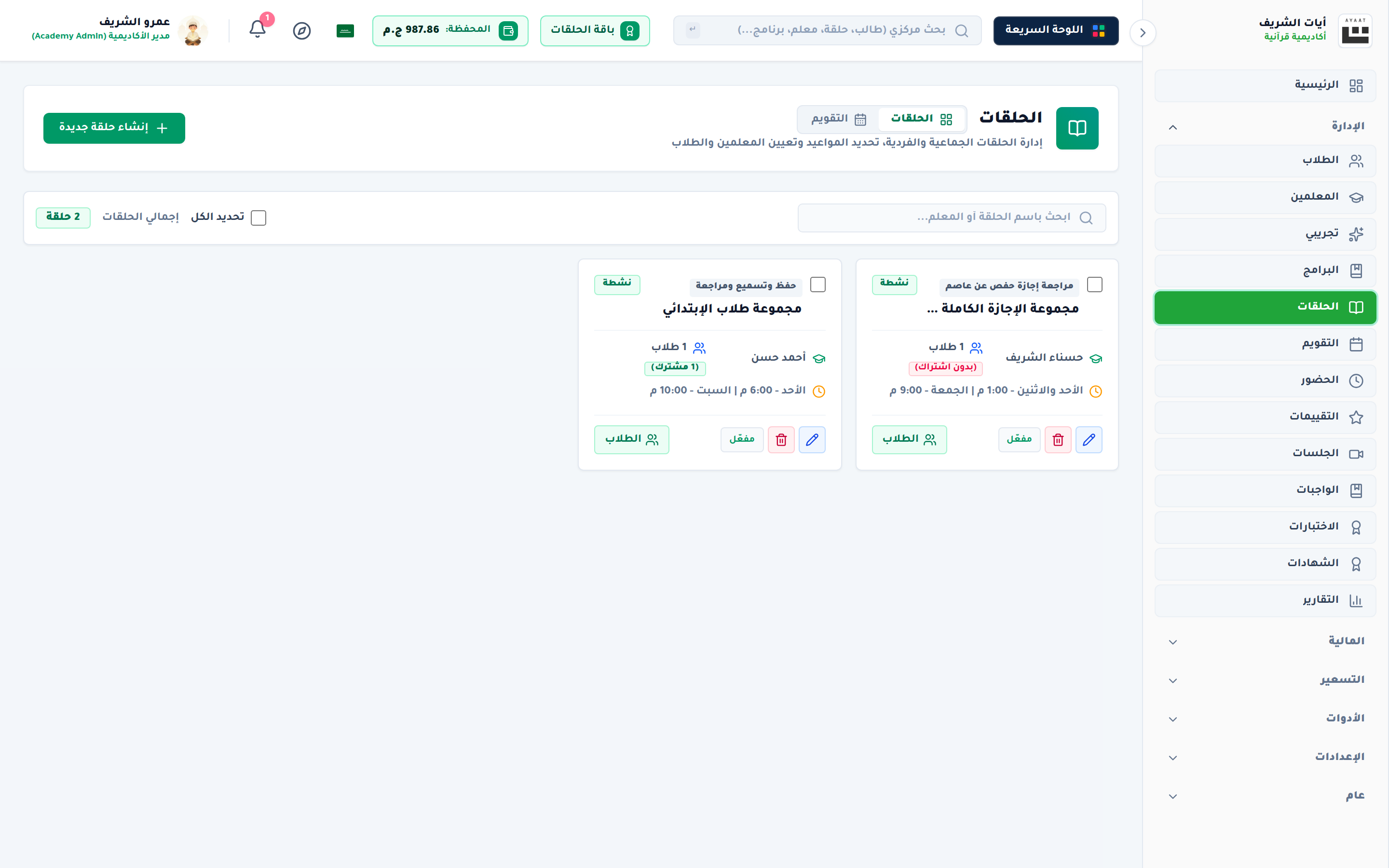
Figure (1): Circle creation wizard
Assign Teacher & Weekly Schedule
Designate the primary instructor, substitute teachers, weekly class days, and precise start/end timings.
- Timezone Synchronization: Timings automatically adjust for students and teachers across global timezones.
- Recurring Schedule: Classes repeat automatically each week on selected calendar days.
- Classroom Room Link: A persistent virtual video room is generated automatically for the circle.
Assign a supervisor to the halaqah to allow administrative quality monitoring without disrupting live recitation.
Enroll Students & Launch
Add students from the admissions pool. Students instantly receive their class schedule and entry link in their student dashboard.