
Student Registration
Managing enrollment applications, registering individual students and families, and placing them into the appropriate halaqahs and tracks.
Complete guide on admitting students into your Quran academy, managing enrollment forms, handling parent accounts, and assigning students to their respective study groups.
Detailed Implementation Steps
Admissions & Applications List
Navigate to “Students” in your dashboard. Here you can view active students, pending applications, and family groupings.
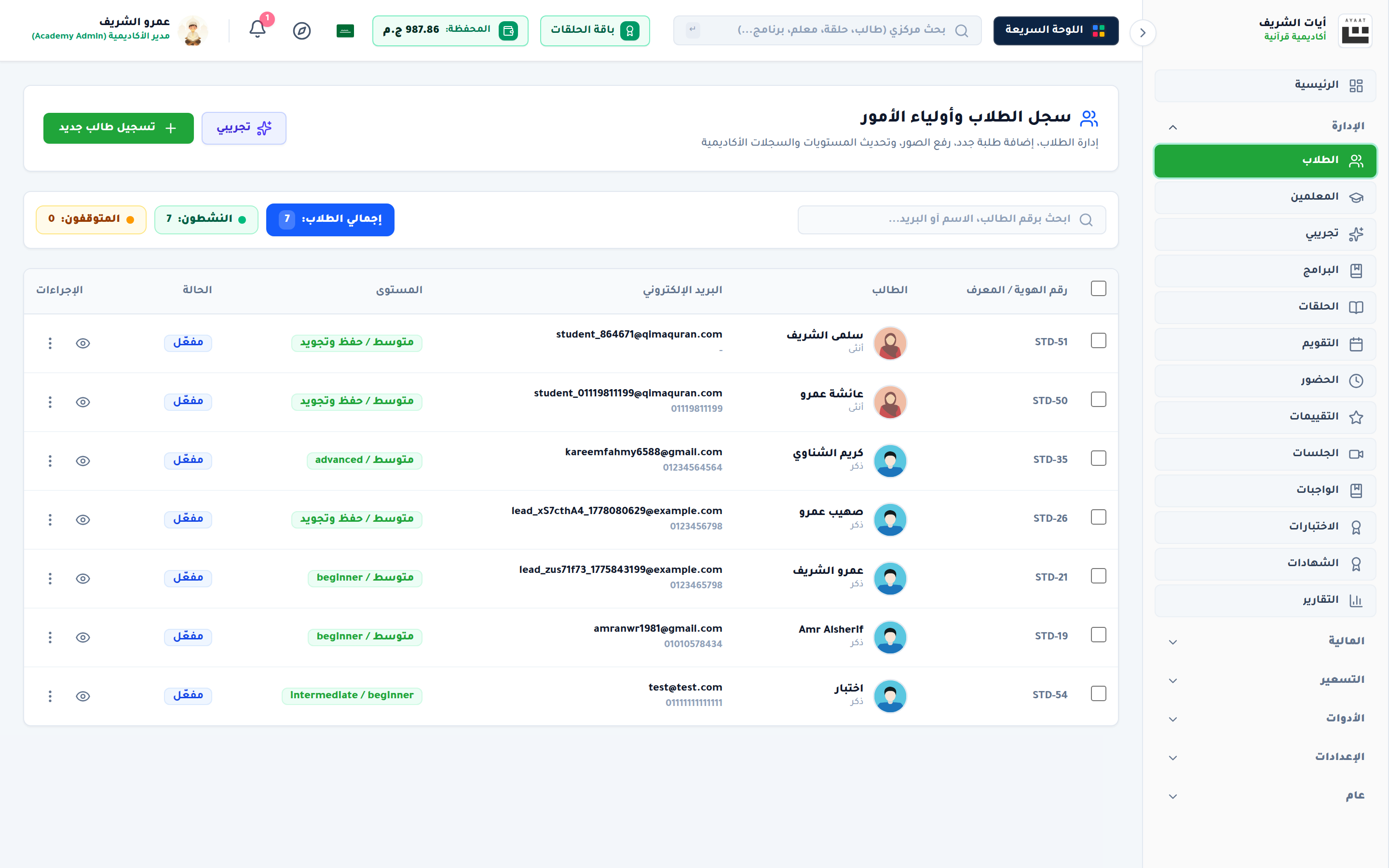
Figure (1): Student management list screen
Enrollment Forms & Direct Registration
You can register students manually or share your public academy admissions form on social media and WhatsApp.
- Public Form: Applicants submit their age, Quran memorization level, preferred timings, and contact info.
- Manual Enrollment: Admins can directly enroll students, assign them to family accounts, and configure tuition packages.
- Guardian Linking: Connect siblings under a single parent account for unified billing and progress reports.
Automated WhatsApp notifications can welcome newly enrolled students with login instructions immediately upon approval.
Placement into Quranic Circles
Assign each admitted student to their designated halaqah, teacher, and memorization curriculum track based on their initial level assessment.